


Registration in the Kapitalbank.Online mobile application: Step-by-step instruction
This is a simple step-by-step guide for registration in the Kapitalbank.Online mobile application. To successfully register in the application, you will need a mobile device with a stable Internet connection, an active telephone number of an Uzbek national operator, access to SMS, as well as a Kapitalbank bank card.
- Step 1. Open the App Store / Google Play mobile application store and find the Kapitalbank.Online application.
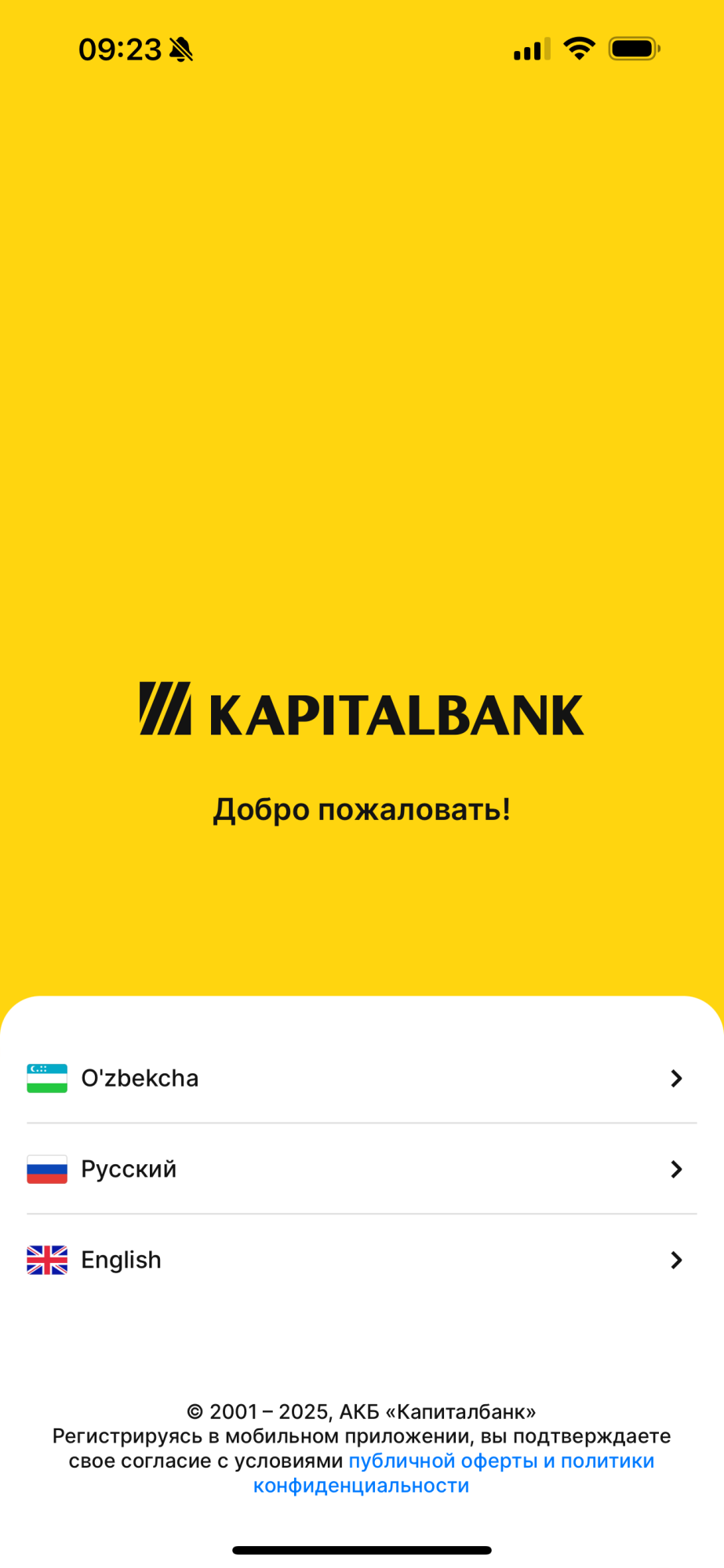
- Step 2. After installation, open the application and select the language that suits you.
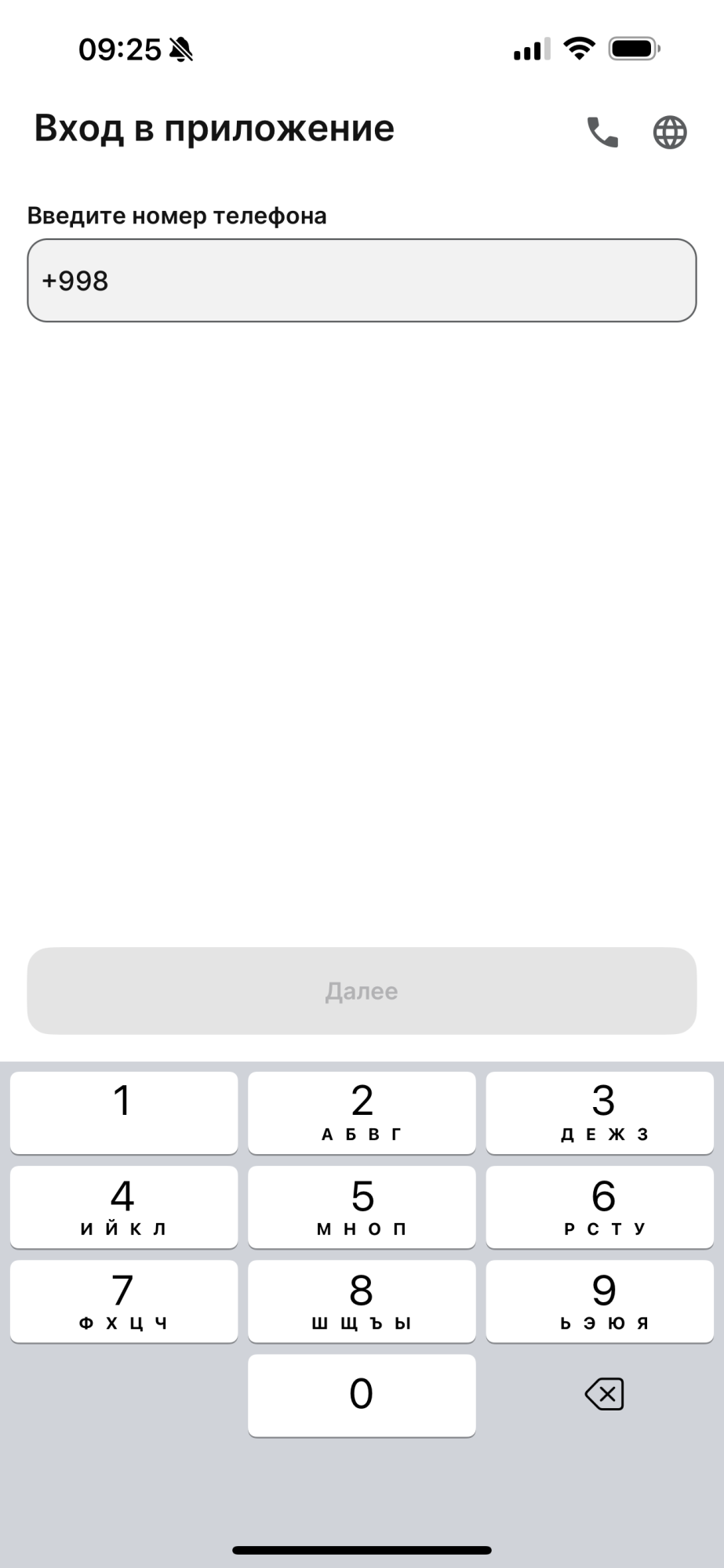
- Step 3. To log in to the application, enter your phone number starting with +998.
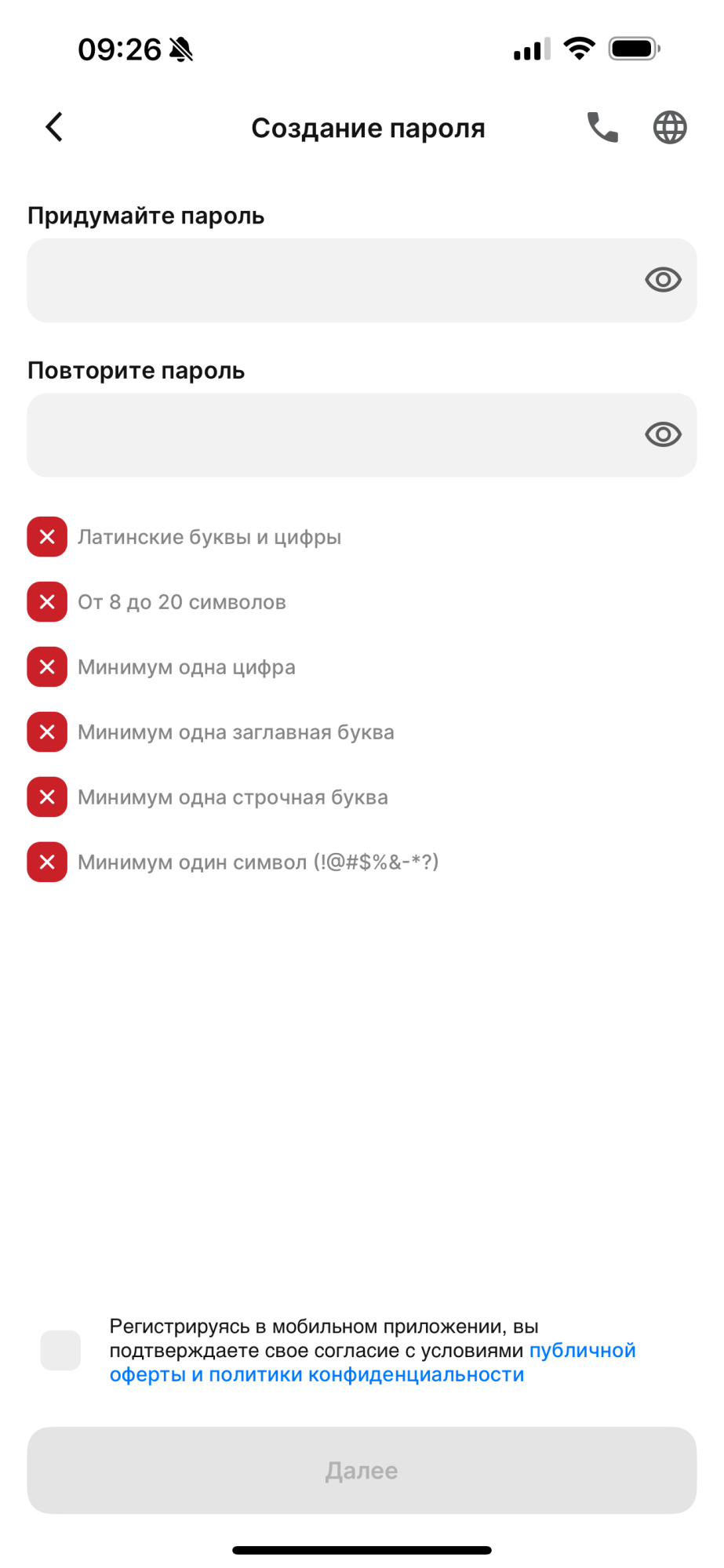
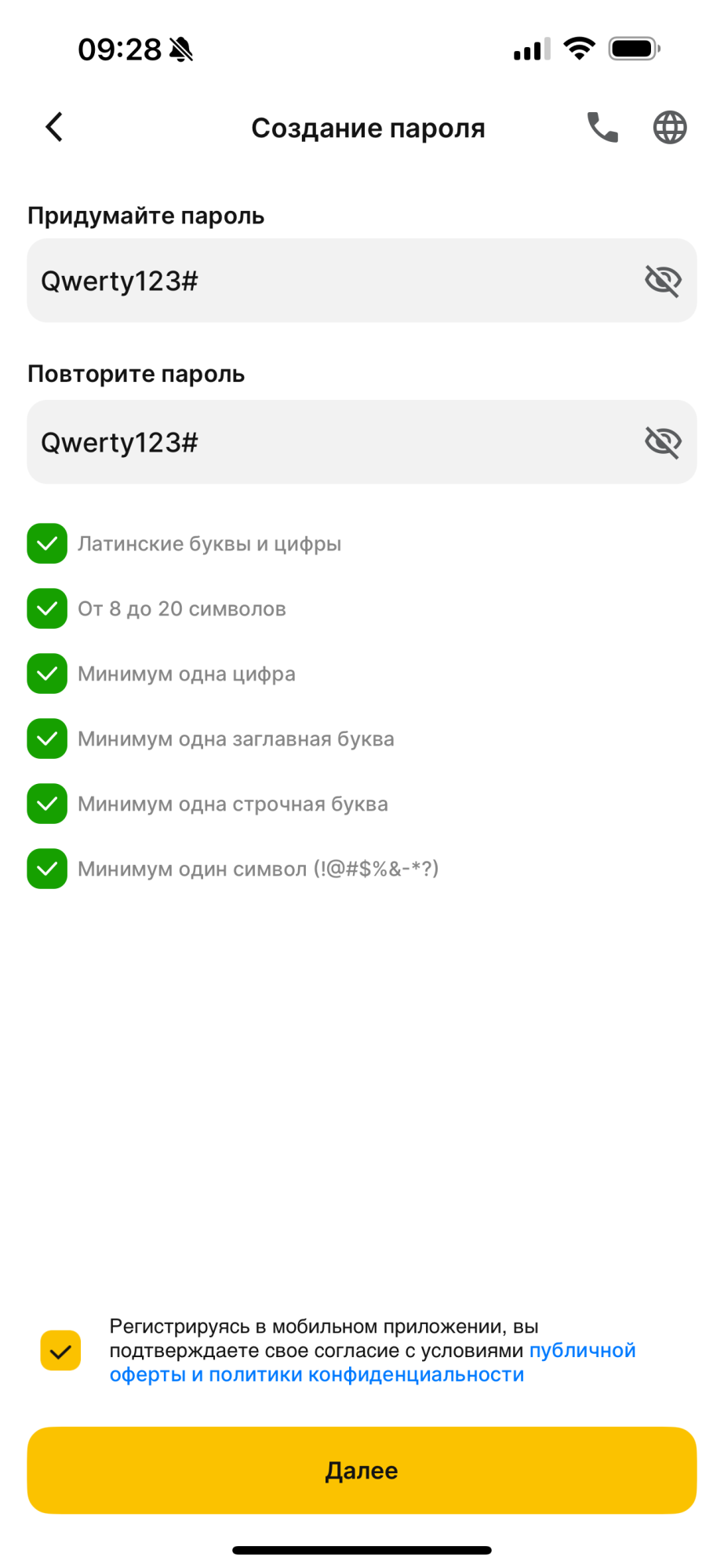
- Step 4. Now you should create and set a strong password. The application will automatically tell you if the password meets the security requirements.
- Step 5. You will need to repeat the password and confirm your agreement with the terms and conditions of the use for the application.
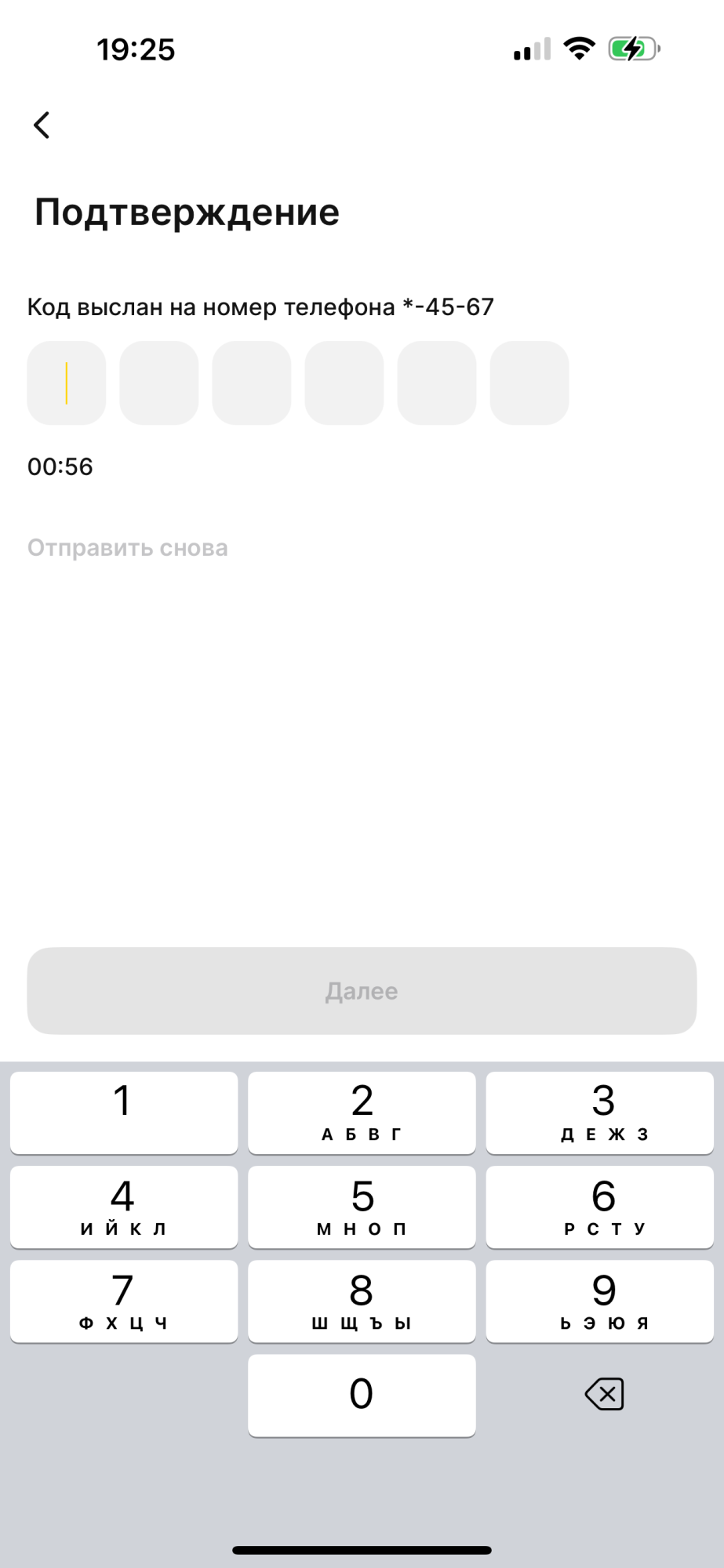
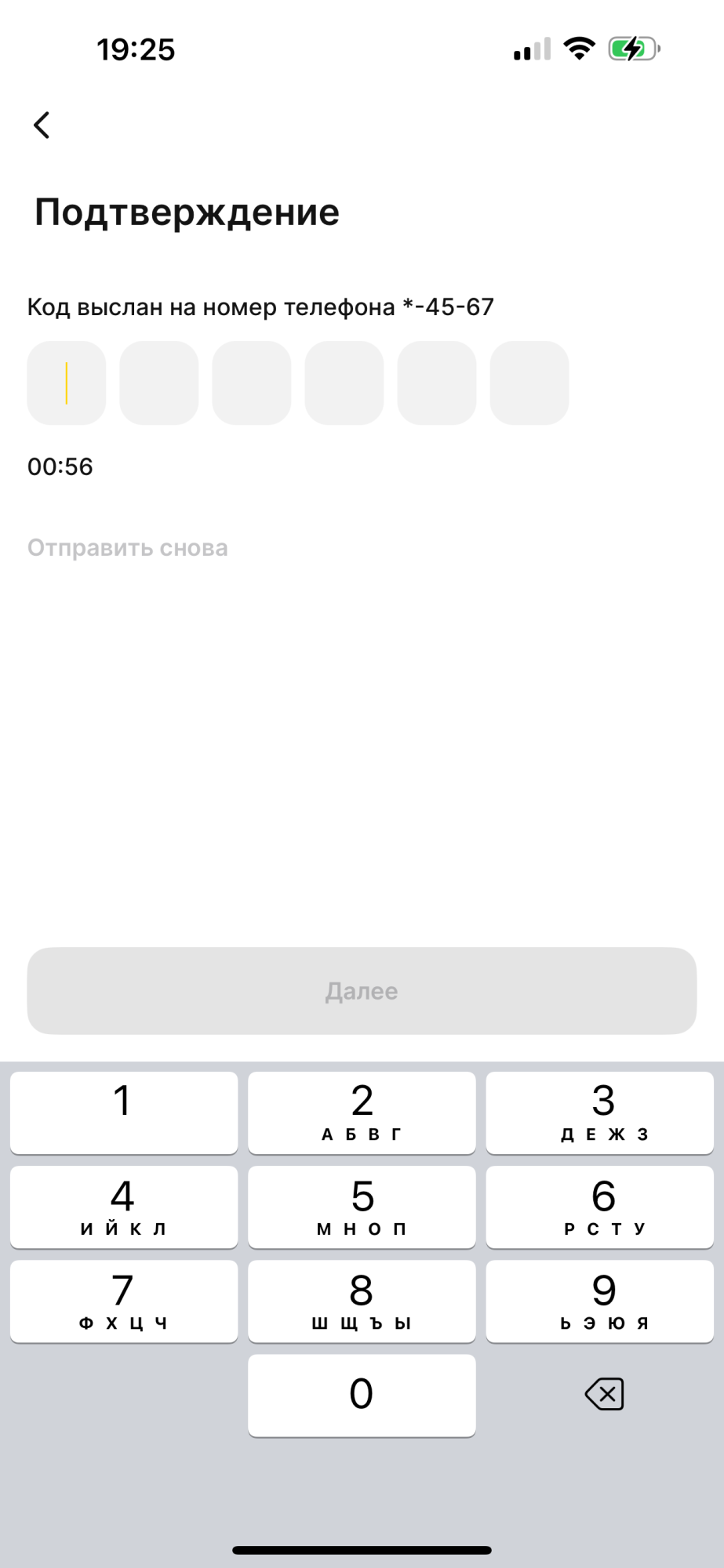
- Step 6. After that, the application will send an SMS with a 6-digit confirmation code. Please note that the code is valid for only one minute.
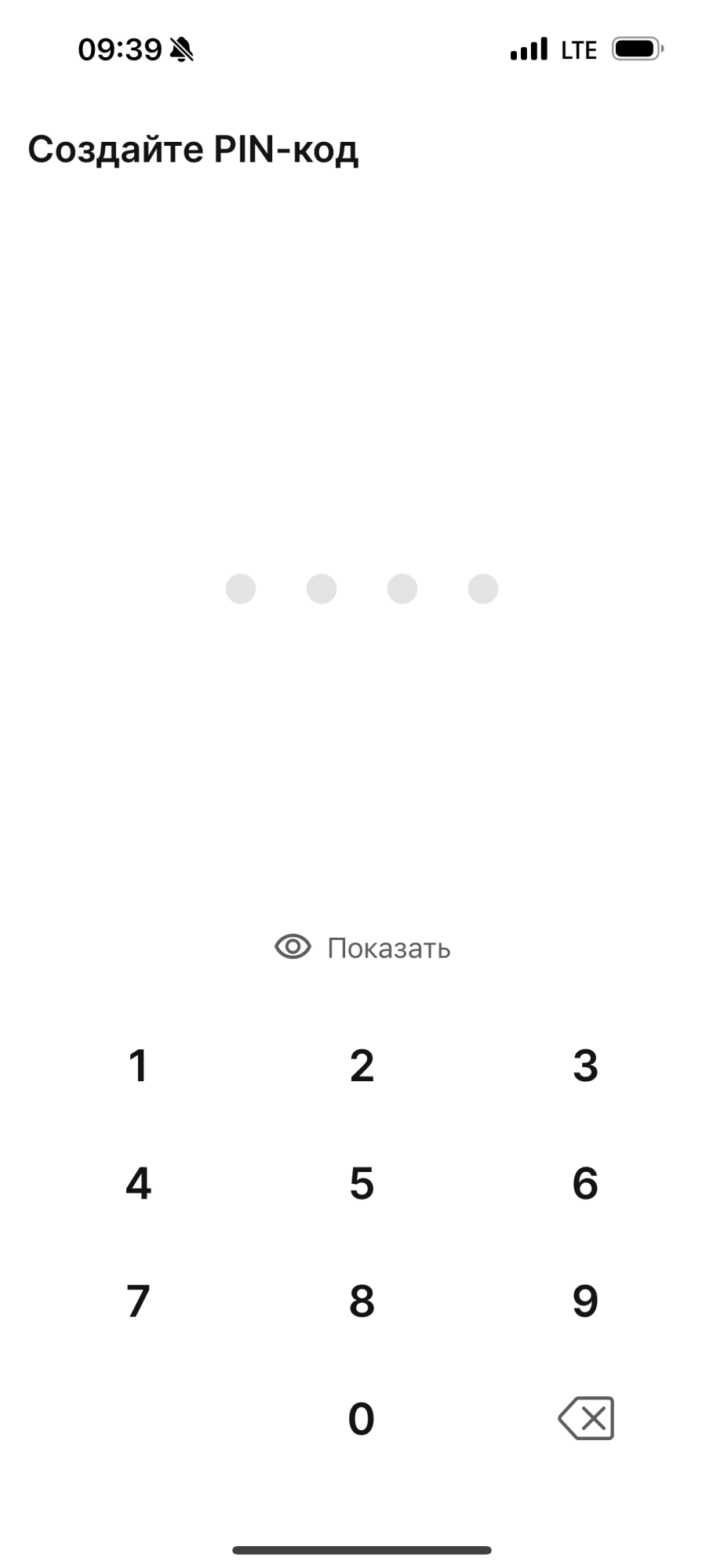
- Step 7. Your next step is to come up with a 4-digit PIN code to access the application. Avoid simple or well-known combinations of numbers.
- Step 8. Repeat your new PIN code.
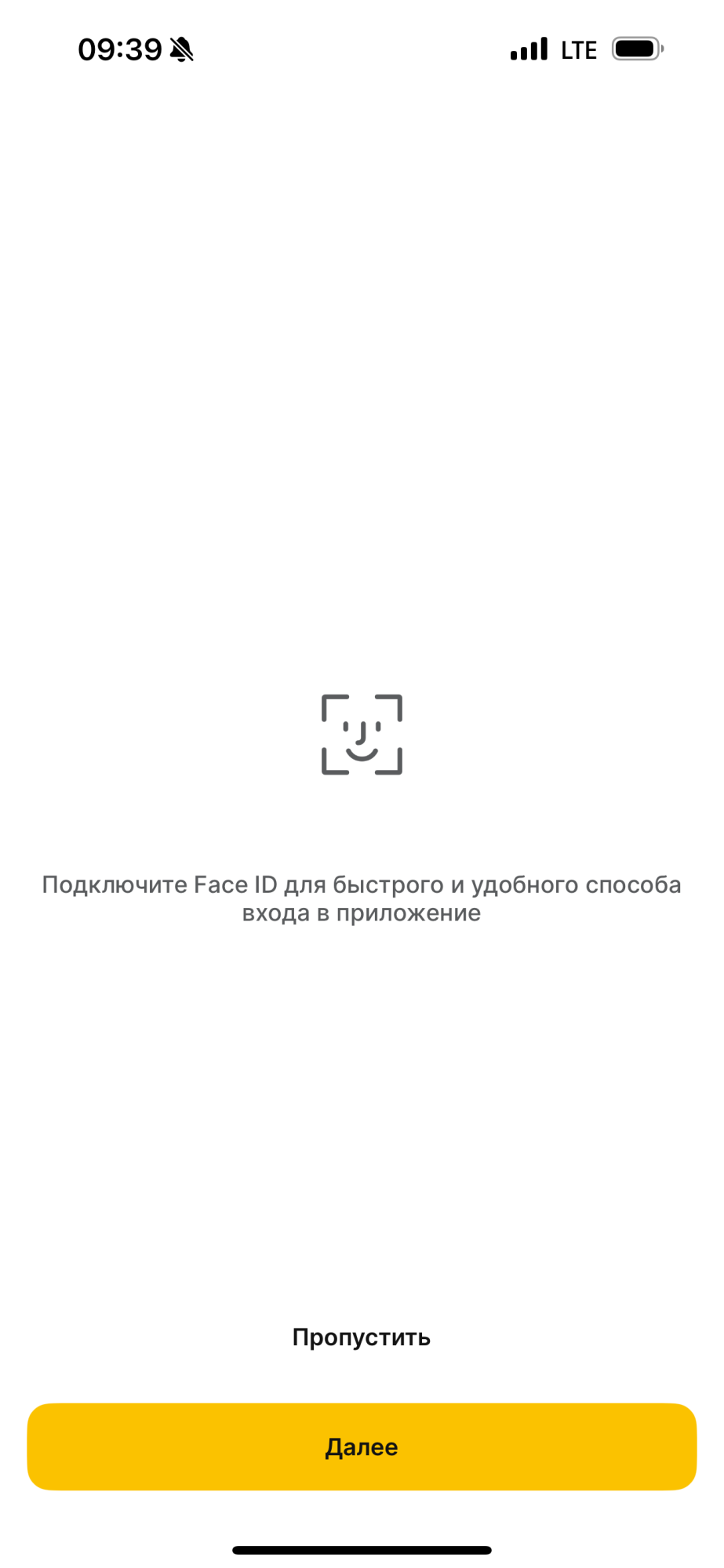
- Step 9. For quick and easy access to the application, you can install the Face-ID function.
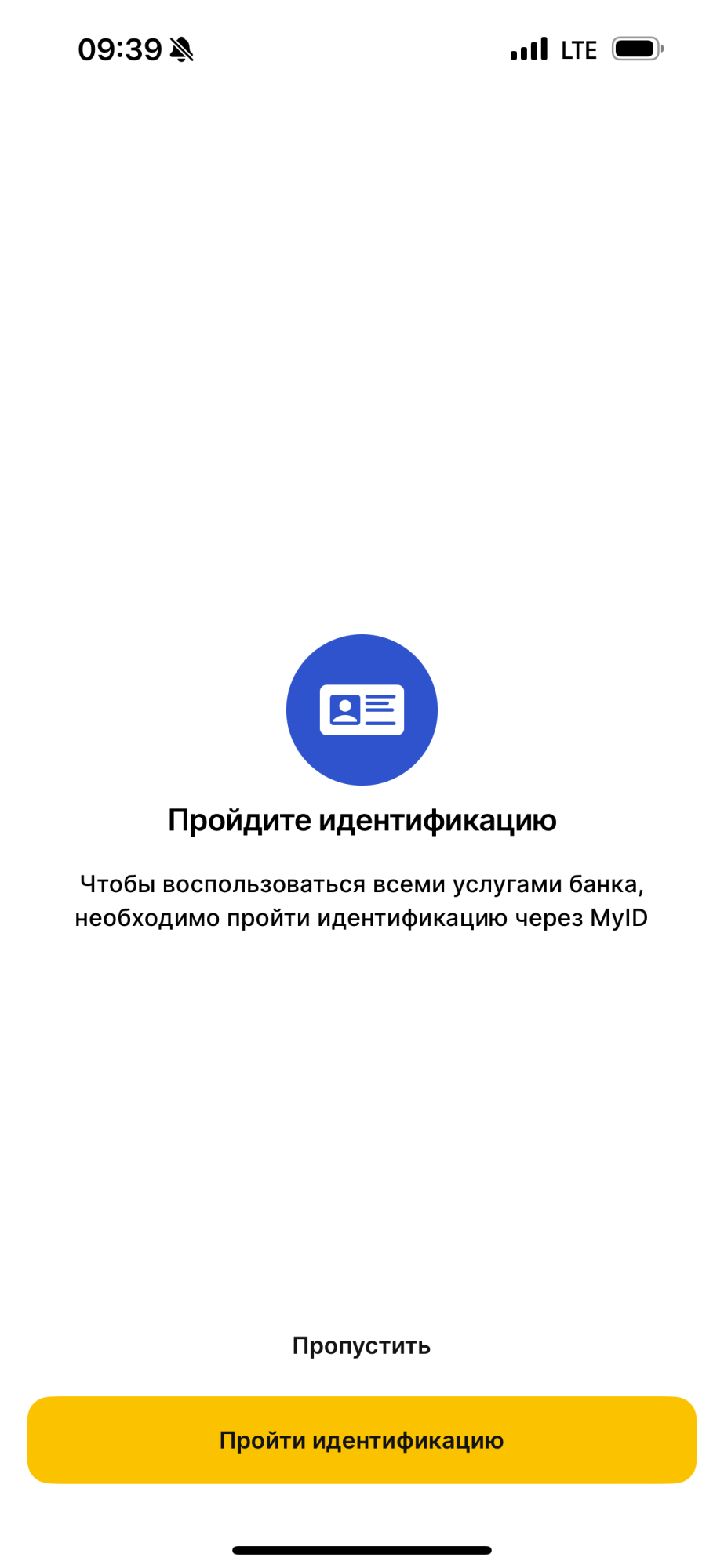
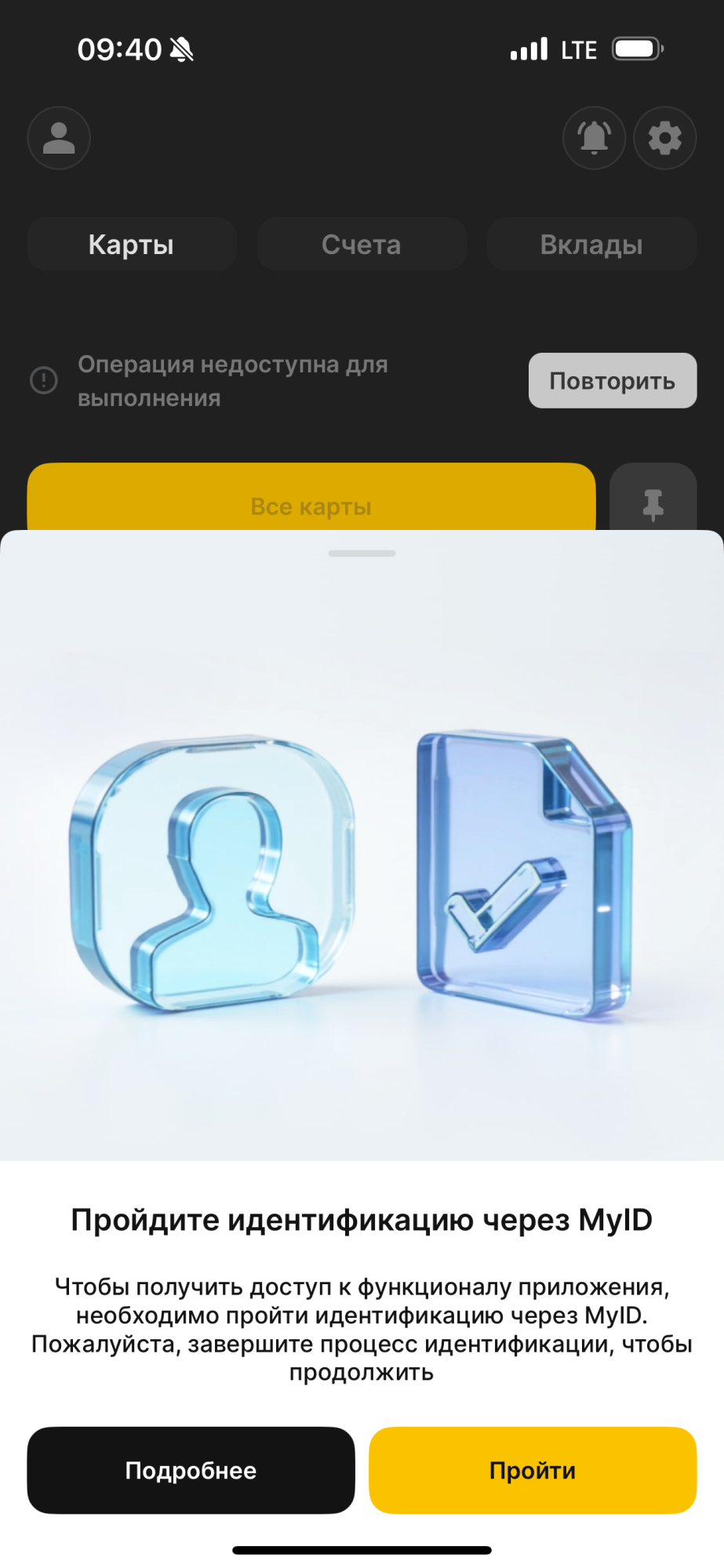
- Step 10. For proper operation of your application, you now need to pass identification through the MyID system.
- Step 11. Complete the identification process using your Individual Personal Identification Number.
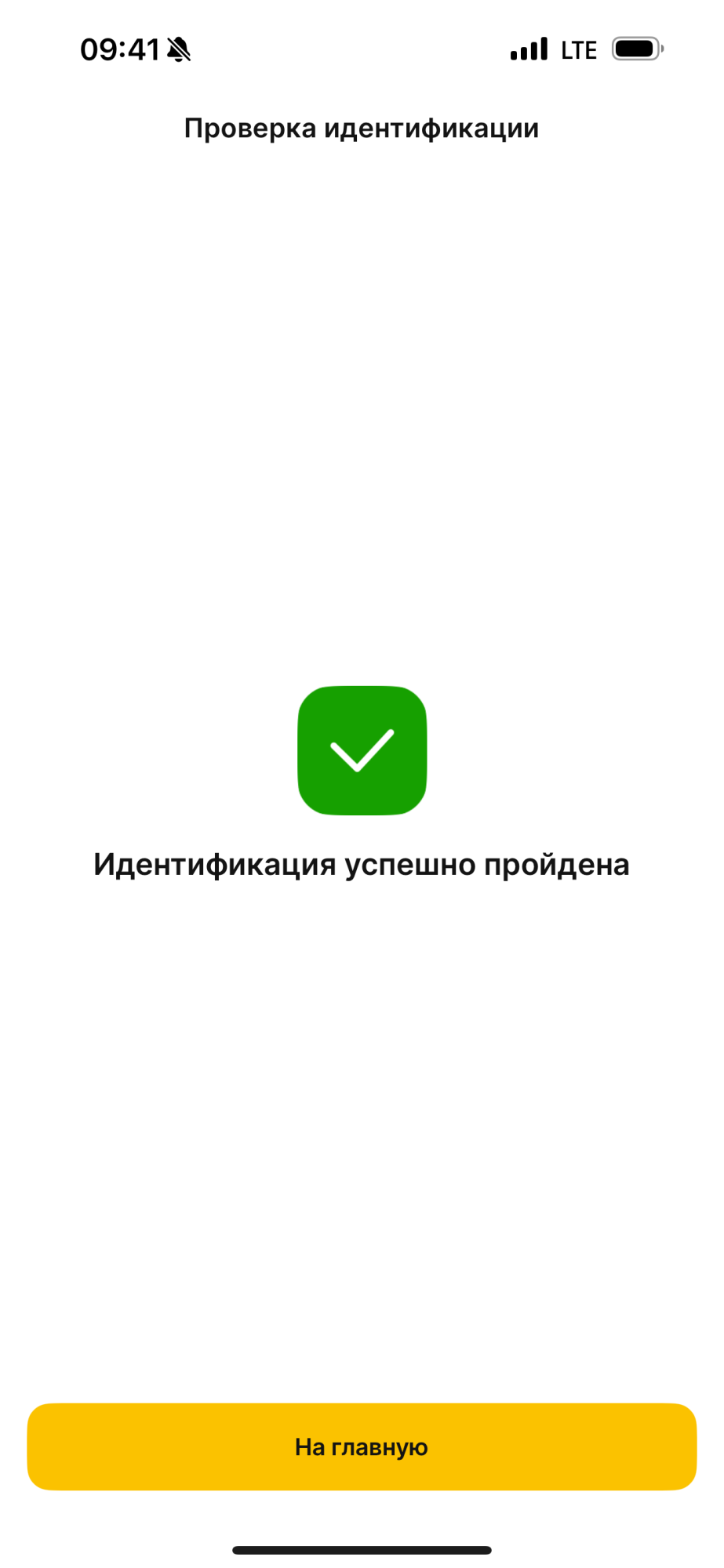
- Step 12. After you have successfully completed identification, there is very little left.
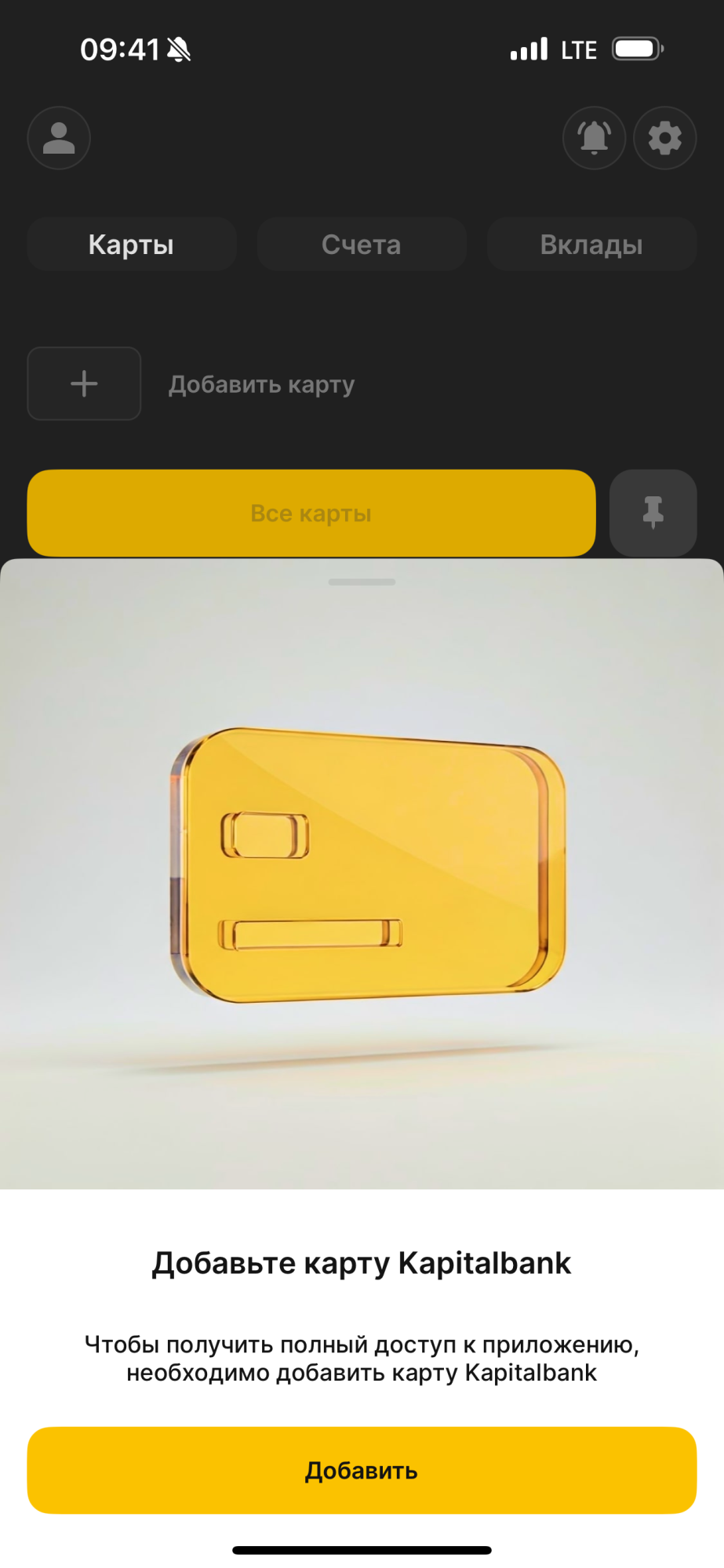
- Step 13. Let's add your Kapitalbank card to the application.
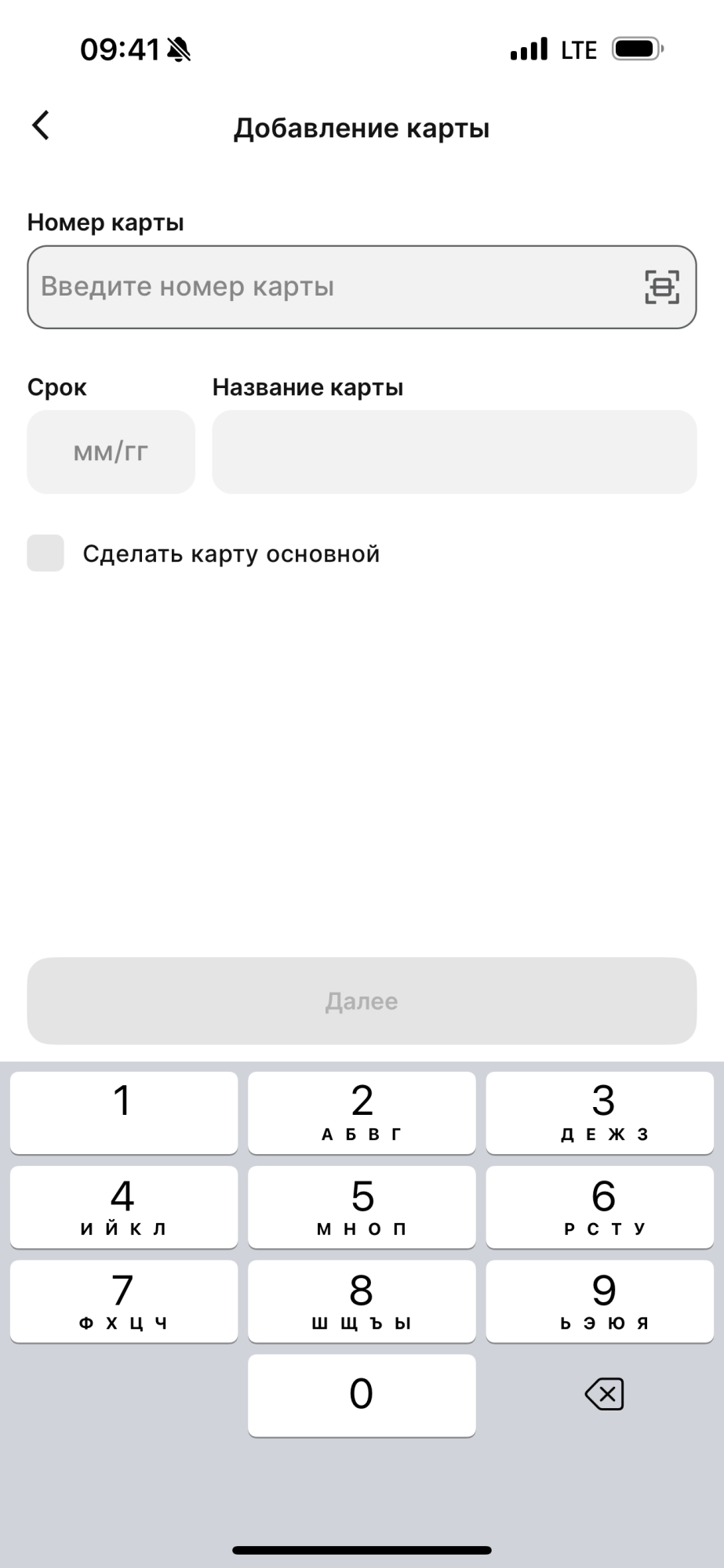
- Step 14. To add a card to the application, enter its details. You can come up with a name for your card yourself, as well as make it the primary one.
- Step 15. The application will send an SMS with a confirmation code to complete the card addition process.
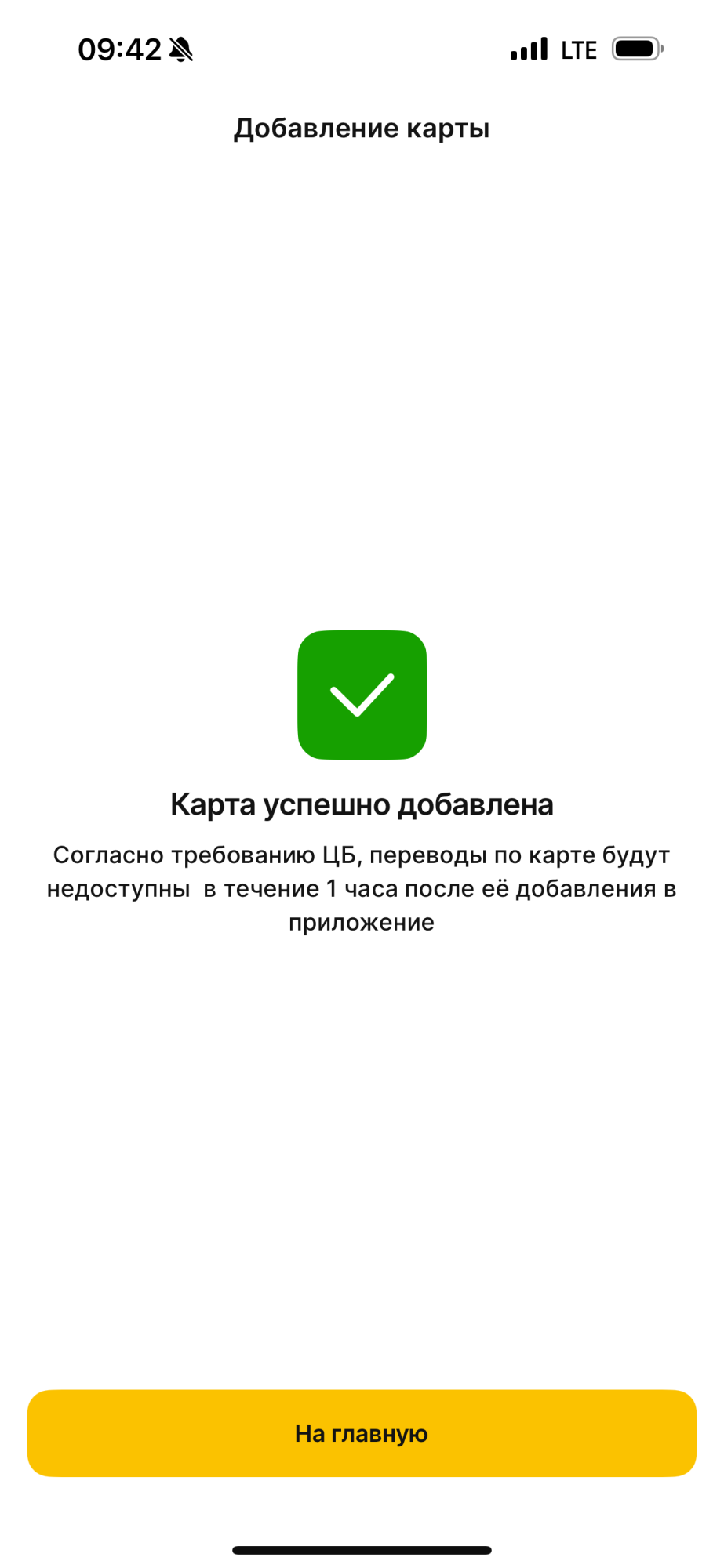
- Step 16. If everything is successful, the application will notify you about it and warn you that you will be able to use the card only an hour after it is added to the application. These are the requirements of the Central Bank of the Republic of Uzbekistan.
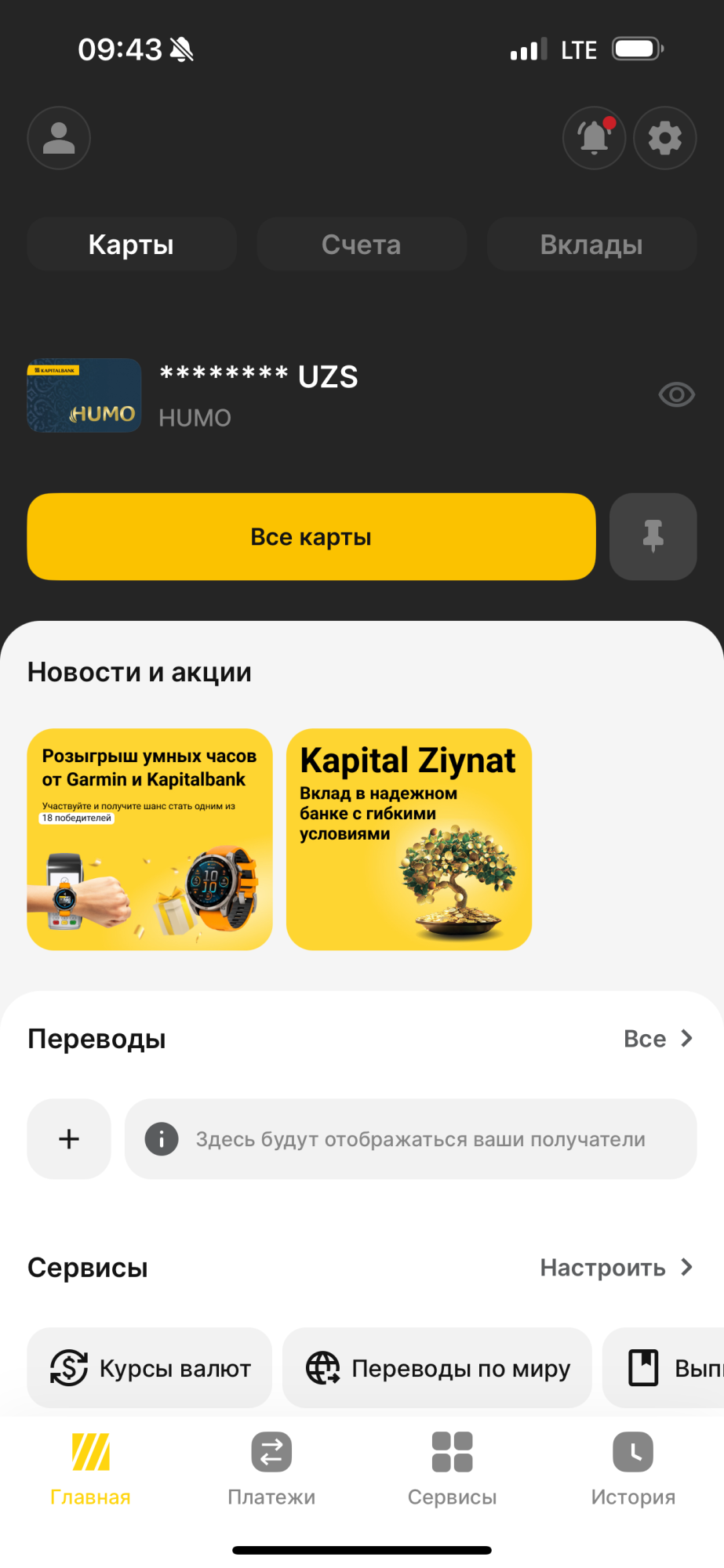
- Step 17. Congratulations! Now all the convenient and diverse functionality of the KAPITALBANK.Online application which we continue to improve for the convenience and safety of our customers, is available to you.